MOBILE SERVICE / MOBILE IP
Mobile-network proxies on your schedule
Choose 3 hours, 24 hours, 7 days, or 30 days. Connect over HTTP or SOCKS5, rotate IPs immediately or on a schedule, and manage supported U.S. locations from one portal.
Compare proxy plans →View current locations →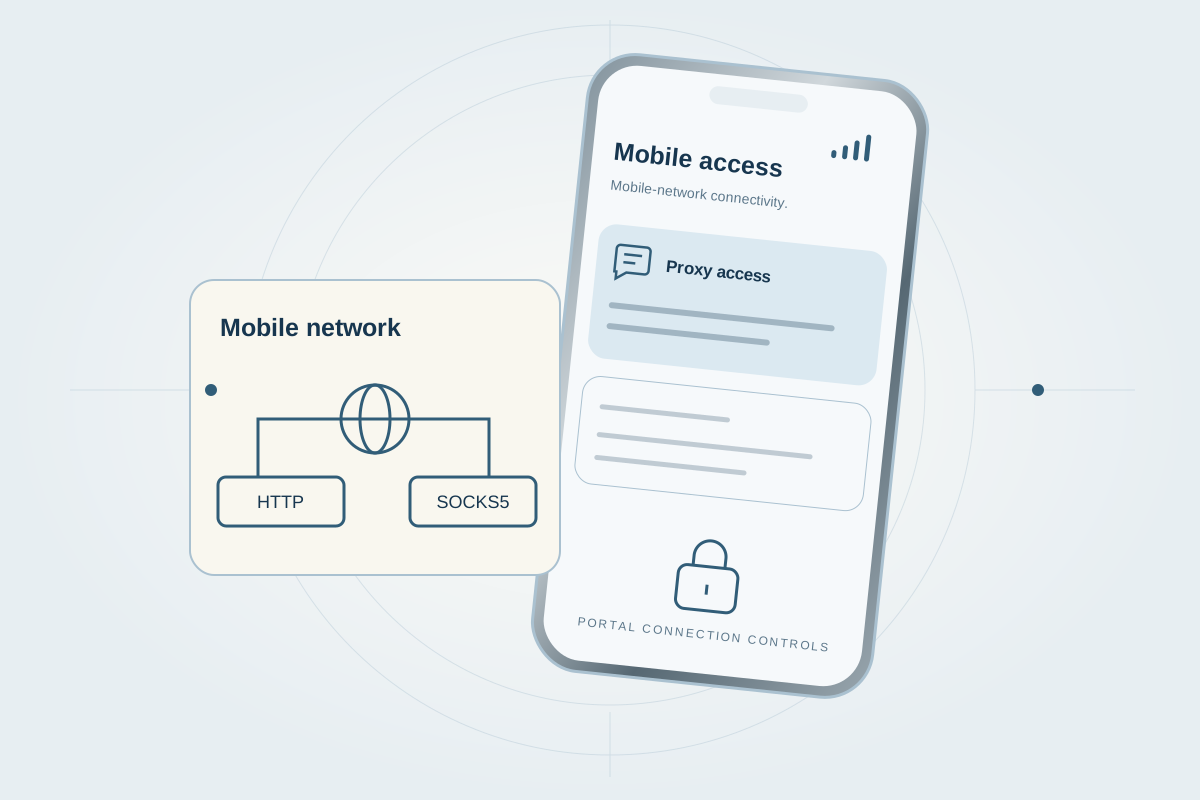
Flexible durations
Choose the rental window that fits
Current pricing and availability are shown securely in your account.
Mobile-network IP accessUnlimited bandwidthImmediate and scheduled IP rotationHTTP and SOCKS5IPv4 allowlistingSupported U.S. locations
Live location catalog
Choose a proxy plan →Explore current coverage
Search the same current U.S. city, state, and carrier catalog available in the customer proxy workspace. Sign in after choosing a plan to activate and manage a supported location.
Akron (AT&T), OH · AT&T
Akron, OH · T-Mobile
Akron, OH · Verizon
Alexandria, TX · Verizon
Allen (AT&T), TX · AT&T
Alpharetta (AT&T), GA · AT&T
Alpharetta, GA · Verizon
Anaheim, CA · Verizon
Atlanta (AT&T), GA · AT&T
Atlanta (T-Mobile), GA · T-Mobile
Atlanta, GA · Verizon
Austin (AT&T), TX · AT&T
Austin (T-Mobile), TX · T-Mobile
Austin, TX · Verizon
Bangor, ME · Verizon
Boston (AT&T), MA · AT&T
Boston (T-Mobile), MA · T-Mobile
Buffalo, NY · Verizon
Charleston (T-Mobile), SC · T-Mobile
Charleston, SC · Verizon
Charlotte (AT&T), NC · AT&T
Charlotte (T-Mobile), NC · T-Mobile
Chicago (AT&T), IL · AT&T
Chicago (T-Mobile), IL · T-Mobile
Cincinnati (T-Mobile), OH · T-Mobile
Cleveland (AT&T), OH · AT&T
Cleveland (T-Mobile), OH · T-Mobile
Cleveland, OH · Verizon
Columbia, SC · Verizon
Concord (AT&T), CA · AT&T
Concord, CA · Verizon
Corona, CA · Verizon
Cupertino (AT&T), CA · AT&T
Cupertino, CA · Verizon
Dallas (AT&T), TX · AT&T
Dallas (T-Mobile), TX · T-Mobile
Denver (T-Mobile), CO · T-Mobile
Denver, CO · Verizon
Detroit, MI · T-Mobile
Detroit, MI · Verizon
El Segundo (T-Mobile), CA · T-Mobile
El Segundo, CA · Verizon
Fort Meyers, FL · Verizon
Greensboro, NC · Verizon
Honolulu (Verizon), HI · Verizon
Houston (AT&T), TX · AT&T
Houston (T-Mobile), TX · T-Mobile
Houston, TX · Verizon
Jacksonville (T-Mobile), FL · T-Mobile
Jacksonville (Verizon), FL · Verizon
Las Vegas (T-Mobile), NV · T-Mobile
Las Vegas, NV · Verizon
Little Rock, AR · Verizon
Los Angeles (AT&T), CA · AT&T
Los Angeles (T-Mobile), CA · T-Mobile
Louisville (AT&T), KY · AT&T
Louisville, KY · T-Mobile
Louisville, KY · Verizon
Miami (AT&T), FL · AT&T
Miami (T-Mobile), FL · T-Mobile
Miami, FL · Verizon
Milwaukee, WI · Verizon
Minneapolis (AT&T), MN · AT&T
Minneapolis (T-Mobile), MN · T-Mobile
Montgomery (T-Mobile), AL · T-Mobile
Montgomery, AL · Verizon
Naperville (AT&T), IL · AT&T
Nashville (T-Mobile), TN · T-Mobile
Nashville, TN · Verizon
Newark (AT&T), NJ · AT&T
Newark (T-Mobile), NJ · T-Mobile
Newark, NJ · Verizon
New Orleans, LA · Verizon
New York City (AT&T), NY · AT&T
Norwalk, CT · Verizon
NYC (T-Mobile), NY · T-Mobile
Oklahoma City, OK · Verizon
Omaha, NE · Verizon
Orlando (AT&T), FL · AT&T
Orlando (T-Mobile), FL · T-Mobile
Philadelphia (AT&T), PA · AT&T
Philadelphia (T-Mobile), PA · T-Mobile
Philadelphia, PA · Verizon
Phoenix (AT&T), AZ · Verizon
Phoenix (T-Mobile), AZ · T-Mobile
Pine Bluff, AR · Verizon
Pittsburgh (T-Mobile), PA · T-Mobile
Pittsburgh, PA · Verizon
Portland (AT&T), OR · AT&T
Portland (T-Mobile), OR · T-Mobile
Prescott, AZ · Verizon
Raleigh, NC · Verizon
Reno, NV · Verizon
Rockford, IL · Verizon
Sacramento, CA · Verizon
Salem, OR · Verizon
San Antonio (AT&T, TX · AT&T
San Antonio, TX · Verizon
San Bernardino, CA · Verizon
San Diego (T-Mobile), CA · T-Mobile
San Diego, CA · Verizon
San Francisco (AT&T), CA · AT&T
San Francisco, CA · Verizon
San Jose (T-Mobile), CA · T-Mobile
San Jose, CA · Verizon
Santa Ana, CA · T-Mobile
Santa Ana, CA · Verizon
Seattle (AT&T), WA · AT&T
Seattle (T-Mobile), WA · T-Mobile
Seattle, WA · Verizon
Springfield, MO · Verizon
St. Louis, MO · Verizon
St. Paul, MN · Verizon
St. Petersburg, FL · Verizon
Tampa (T-Mobile), FL · T-Mobile
Tampa, FL · Verizon
Tuscaloosa (AT&T), AL · AT&T
Tuscaloosa, AL · Verizon
Virginia Beach (T-Mobile), VA · T-Mobile
Virginia Beach, VA · Verizon
West Jordan, UT · Verizon
Worcester, MA · Verizon
Wylie, TX · Verizon
Yonkers, NY · Verizon
Yorba Linda, CA · Verizon
Youngstown, OH · Verizon
No locations match that search. Try a city, two-letter state, or carrier name.
Access remains subject to current plan availability, supported locations, account terms, and acceptable-use restrictions.
The process
Know what happens next
A clear path from account creation to service management.
- 1
Create an account
Sign in to view the options available to your account.
- 2
Choose your setup
Select the service options that fit your intended workflow.
- 3
Manage it in the portal
Access the service and related account tools from one place.
Appropriate use
Built for practical business workflows
A fit for legitimate QA, testing, and business operations that need configurable mobile-network access, protocols, and rotation controls.
Common questions
Helpful answers before you begin
Straightforward information based on the services currently offered.
Account and service
What does “ready while active” mean?
An eligible active rental can receive inbound SMS without a customer activation or wake-up step. Carrier availability, expiration, eligibility, and service restrictions still apply.
Are inbound messages limited on a long-term number?
Long-term rentals include unlimited inbound SMS while the rental is active, subject to the applicable service terms.
Access and availability
Where do messages appear?
Messages are available in the MobileSimPortal inbox as soon as they reach the number.
Can every number be installed with a QR code?
No. QR installation is available only for eligible eSIM numbers and compatible unlocked devices.
When should I choose a one-time number?
Choose it for one supported incoming message. Choose a long-term rental when you need an ongoing inbox and visible rental status.
Are all services supported?
No. Current service support and number availability are shown in the portal before selection.
Which proxy durations are available?
3 hours, 24 hours, 7 days, and 30 days, subject to current availability.
Which proxy protocols are supported?
HTTP and SOCKS5.
How does proxy rotation work?
You can request an immediate IP rotation or configure a supported schedule in the portal.
Which proxy locations are available?
Current supported U.S. locations are shown from live portal availability.
Where are current prices and inventory shown?
Current pricing, number inventory, supported services, and account-specific terms are shown in the portal.
What happens when a rental expires?
The portal shows the current rental state and applicable renewal or expiration information. Access is subject to that state and the service terms.
Ready when you are